The website you visited was not found, so we redirected you to the KCC website for help.
How to add a shared mailbox in Outlook for MacOS
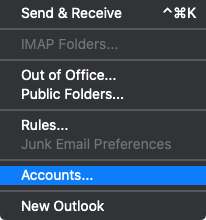
- In Outlook, click the Tools menu and then click Accounts...
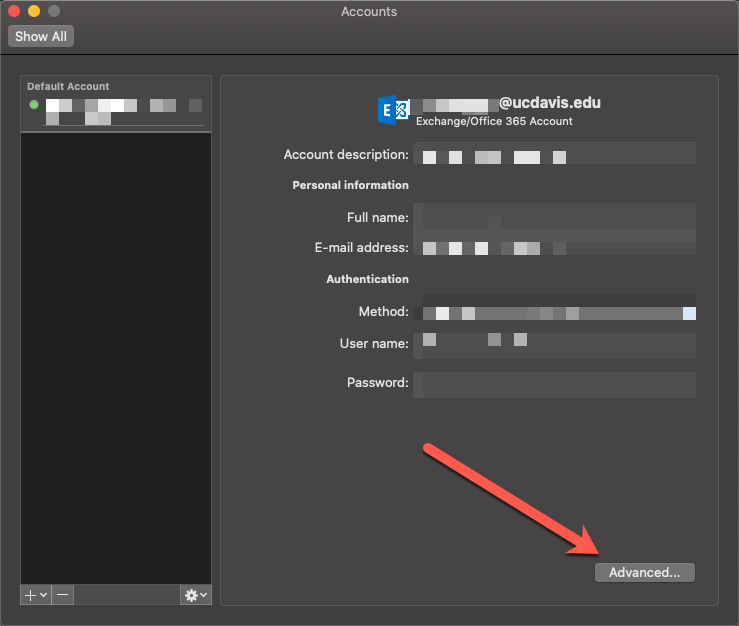
- Click Advanced...
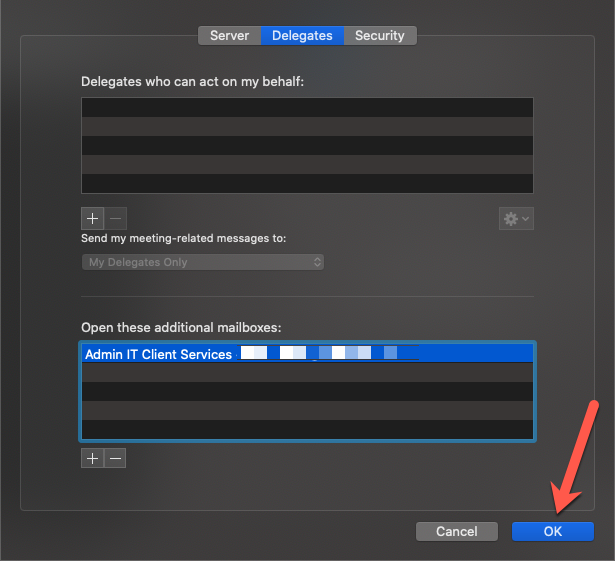
- In the next window, go to Delegates and click the + button
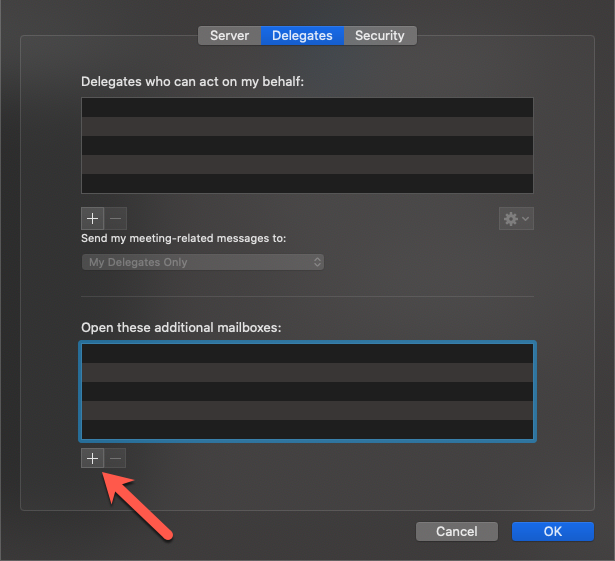
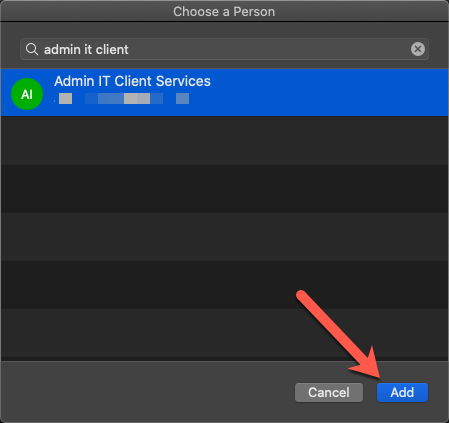
- Search by Name of the mailbox you wish to add to Outlook, select it, and then click Add
- Click OK
- Close the Accounts window.
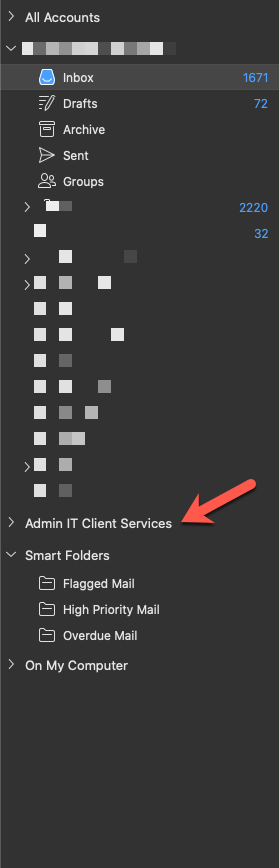
- The shared mailbox will now automatically display in your in Outlook.